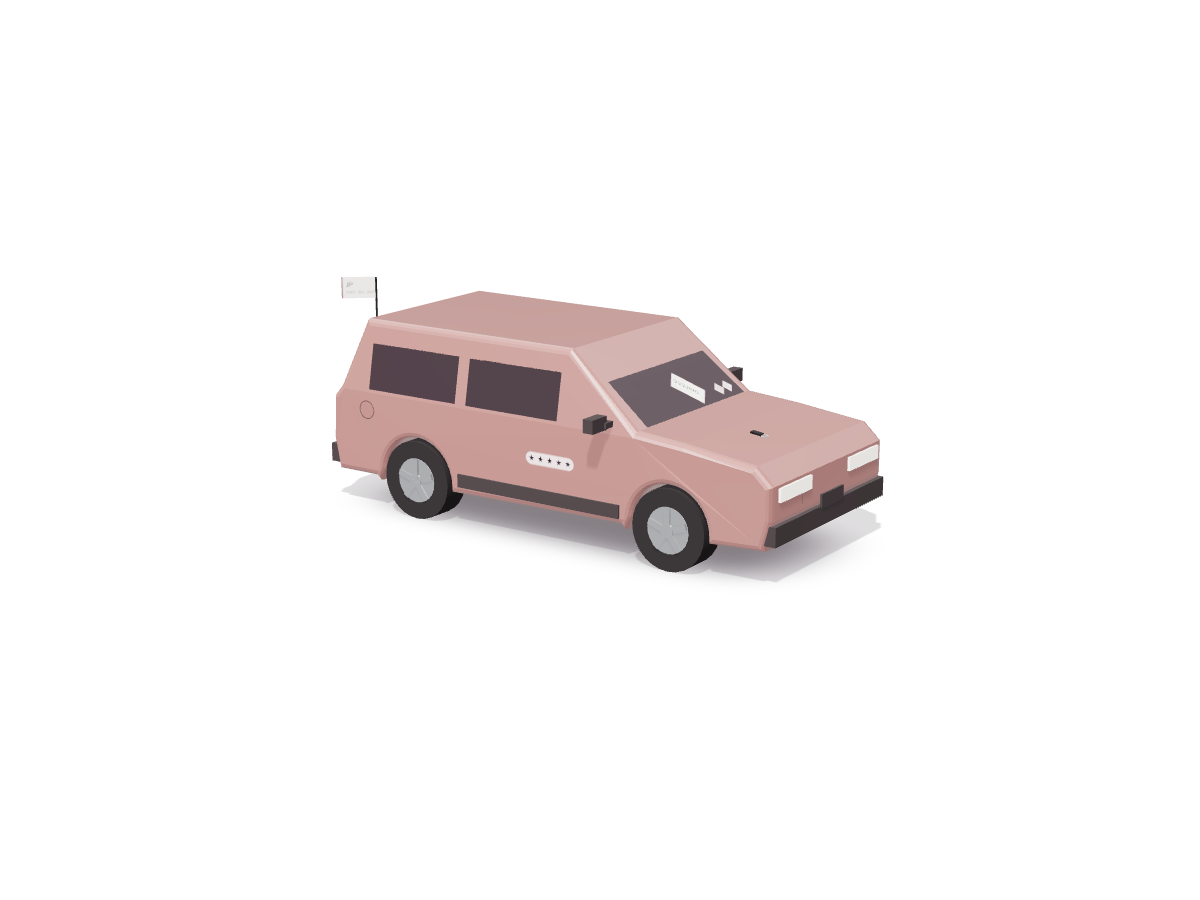
01 · Odometer
62,140 km, read off the dashboard.
The notice must give the actual distance travelled, and say if the reading may be wrong. An agent keeps both: the number, and the doubt.
2019 Toyota RAV4 Hybrid GX AWD Simulated
assembl lab · Agent-ready cars Simulated dealer
You see a photo and a price. Your assistant sees the record behind them. When people ask an AI to find, check and book a car, the dealer with the most trusted, queryable record of each car gets the call.
New Zealand already has that record. Every dealer listing, online too, must carry a Consumer Information Notice. Here it is as data, pinned to the parts it describes.
Harbour Lane Motors is a fictional demo dealer. Every car on this page is Simulated.
01 · Odometer
The notice must give the actual distance travelled, and say if the reading may be wrong. An agent keeps both: the number, and the doubt.
02 · WOF and licence
Two stickers on the windscreen become two dates. Your assistant can count the months left and warn you before you pay for a car that needs a WOF next week.
03 · Cash price
On the notice the cash price includes GST, registration and licensing. One number to compare, not a starting point.
04 · Money owing
The lien rides on the key. The notice says whether money is owing; it doesn't prove it. So the agent still tells you to search the PPSR on the day you pay.
05 · Safety
Real ratings live on RightCar. These stars are invented, and the chip says so. An agent should never be left guessing which is which.
06 · Running cost
From MBIE's latest weekly pump price, not a guess. Diesels, EVs and plug-in hybrids add road user charges at NZTA's rates.
07 · Import history
Imported in 2021, not as a damaged vehicle. Its radio needs a band expander for NZ FM: that's on the notice too.
08 · The record
This is what an agent receives: schema.org JSON-LD generated from the same stock feed the MCP endpoint serves. Each field keeps its truth label.
Two ways to see the same car
Same car, same moment. One listing is made to be looked at. The other is made for an assistant that has to check it, cost it and book it.
What you see
What your assistant sees
One sentence, six tools
A buyer types one sentence. The assistant turns it into calls to the dealer's endpoint, shows its working, and stops to ask before it books anything.
Hybrid SUV under $35k near Hamilton, no money owing, and I'd like a test drive on Saturday.
The step after a listing app shows you a car
Pick a demo car, or type what you know about any listing. It checks the facts against the notice a dealer must show, flags what's missing, lists the checks to run before you pay and costs the week from this week's fuel price. It never looks the car up by plate or owner; the make, model and year are checked live against NZTA's open Motor Vehicle Register. A version you can send to someone: /cars/check/.
The check appears here.
The whole yard, as data
Harbour Lane Motors (demo) has three sites: Auckland, Hamilton and Tauranga. Every card carries its JSON-LD in this page. Flip one, or all of them, to see it the way an agent does.
Connect it
The dealer's endpoint speaks the Model Context Protocol. Add it to Claude or ChatGPT and ask in your own words. It's a demo dealer with Simulated stock: nothing you do there buys, books or holds a real car.
https://assembl-lab.vercel.app/api/mcp/EndpointStreamable HTTP · JSON responses · no sign-in · CORS open · protocol 2026-07-28 and 2025-03-26 to 2025-11-25
Custom connectors are on Free (one connector), Pro, Max, Team and Enterprise. On Team and Enterprise an owner adds it under Organization settings. Claude's help article, checked 25 Oct 2026.
Developer mode is on the web for Pro, Plus, Business, Enterprise and Education, and OpenAI marks it as elevated risk. OpenAI's guide, checked 25 Oct 2026. Nothing here is listed in any app directory.
Try in either: "Is the hybrid RAV4 in Hamilton a good buy at 250 km a week?" or paste a listing you're looking at and ask "is this a good buy?". It never fetches listing pages; it works from what the chat already has, plus NZTA's open register for the model.
In the chat
Hosts that support MCP Apps render this view for car_check: the car, its running cost and the checklist. Below, this page plays the host and hands it a real result.
ui://cars/car-check.v2.html · text/html;profile=mcp-app · also ui://cars/results.v1.html (search) and ui://cars/gallery.v1.html (one car)